공부/언리얼 엔진
언리얼 엔진 공부 30 - 속도와 시간(Velocity and DeltaTime)
라이티아
2025. 8. 1. 15:31
	FVector CurrentLocation = GetActorLocation();
	CurrentLocation.X += 3;
	SetActorLocation(CurrentLocation);
현재 이렇게 물체를 움직이고 있지만, 3방향을 조절하려면 한 방향씩 해야하는 단점이 있다
이를 한번에 할 수 있는 방법이 있다
벡터에 벡터를 더해주면 된다
// Fill out your copyright notice in the Description page of Project Settings.

#pragma once

#include "CoreMinimal.h"
#include "GameFramework/Actor.h"
#include "MovingPlatform.generated.h"

UCLASS()
class OBSTACLEASSAULT_API AMovingPlatform : public AActor
{
	GENERATED_BODY()

public:
	// Sets default values for this actor's properties
	AMovingPlatform();

protected:
	// Called when the game starts or when spawned
	virtual void BeginPlay() override;

public:
	// Called every frame
	virtual void Tick(float DeltaTime) override;

	UPROPERTY(EditAnywhere, Category="Moving Platform")
	FVector PlatformVelocity = FVector(100, 0, 0);
};
.h에 FVector를 추가해 준다
나중에 cpp파일 Vector연산에 사용된다
이때 Uproperty에 category라는게 있는데, detail에 시각적으로 보이는 부분을 추가해준다

// Fill out your copyright notice in the Description page of Project Settings.

#pragma once

#include "CoreMinimal.h"
#include "GameFramework/Actor.h"
#include "MovingPlatform.generated.h"

UCLASS()
class OBSTACLEASSAULT_API AMovingPlatform : public AActor
{
	GENERATED_BODY()

public:
	// Sets default values for this actor's properties
	AMovingPlatform();

protected:
	// Called when the game starts or when spawned
	virtual void BeginPlay() override;

public:
	// Called every frame
	virtual void Tick(float DeltaTime) override;

	UPROPERTY(EditAnywhere, Category="Moving Platform")
	FVector PlatformVelocity = FVector(100, 0, 0);
};
cpp에서 이 Vector를 +연산을 해준다
이렇게 하면 매 Freme마다 벡터 연산이 일어나고, 그 값으로 이동하게 된다

적당히 조절후
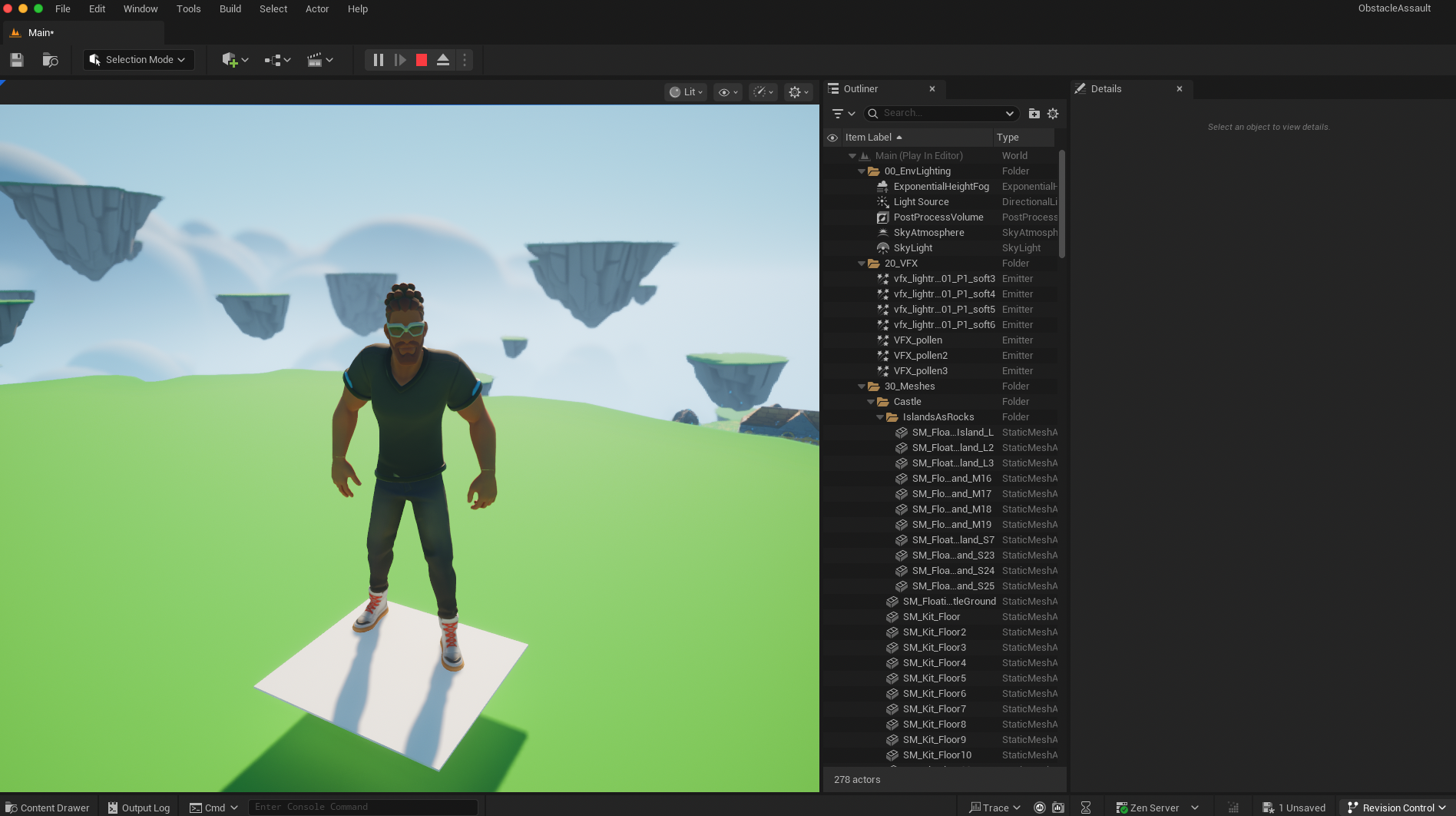
실행시 원하는 속도로 잘 이동 되는것을 확인할 수 있다
DeltaTime이란?
각 프레임이 실행되는데 걸리는 시간
void AMovingPlatform::Tick(float DeltaTime)
Tick에서 사용된다
특정 값에 DeltaTime를 곱해주면 해당 값은 프레임에 종속적인 값이 된다
모든 컴퓨터에 frame은 전부 다른데, 1에서 100까지 가는데 프레임 차이가 있고, DeltaTime이 없다면 모두 다르게 작동한다

	FVector CurrentLocation = GetActorLocation();
	CurrentLocation += PlatformVelocity * DeltaTime;
	SetActorLocation(CurrentLocation);
다시 100으로 돌린 뒤, 속도에 DeltaTime를 곱해준다
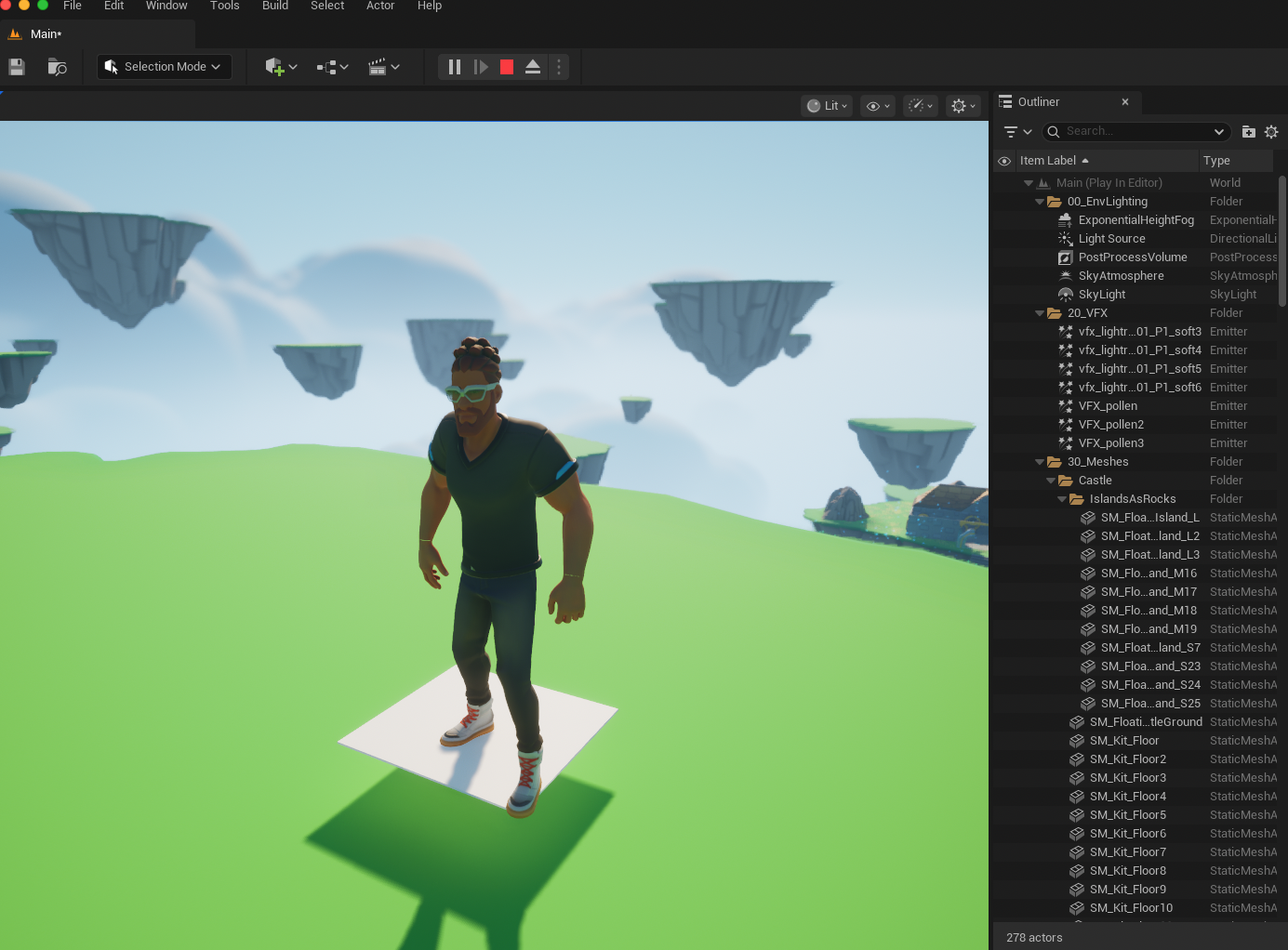
그러면 플렛폼이 프레임 당 100씩 이동하는 것이 아닌
100 * 0.016(60fps기준 1초기준 프레임당 걸리는 시간)으로 움직이게 된다
즉, 1초에 100을 이동하게 만들어 준다